How Moments works
Sharing, gifting, and protecting your child's memories - here's how each piece fits together.
Co-Parent Sharing
One album, both parents
Whether you live together or apart, both parents can contribute photos, videos, and voice notes to the same album. Your child gets the full picture.
Generate a sharing key
Open your child's profile and tap Share with Co-Parent. Moments generates a unique key you can send to your co-parent however you'd like - text, email, or in person.
They redeem the key
Your co-parent downloads Moments, creates an account, and enters the key in Settings. The shared album appears instantly on their device.
Both parents contribute
Either parent can add photos, videos, voice notes, and letters. Every moment shows who added it, so you both see the full story unfold together.
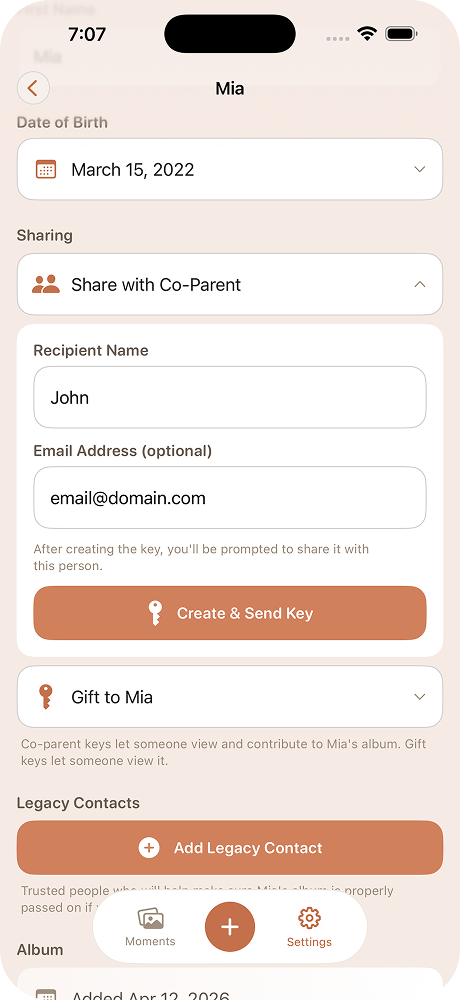
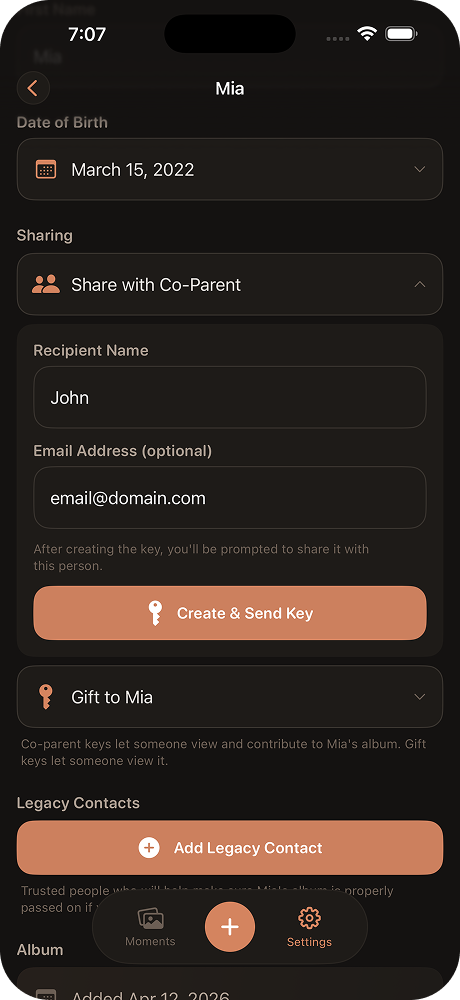
How it stays safe: Co-parent sharing is read-write - both parents can add moments, but neither can delete the other's contributions. The album belongs to the child, not to either parent.
Gifting Albums
Give them their childhood
When your child is ready - at 13, 18, or whenever feels right - transfer the entire album to them. Every photo, voice note, and letter, all at once.
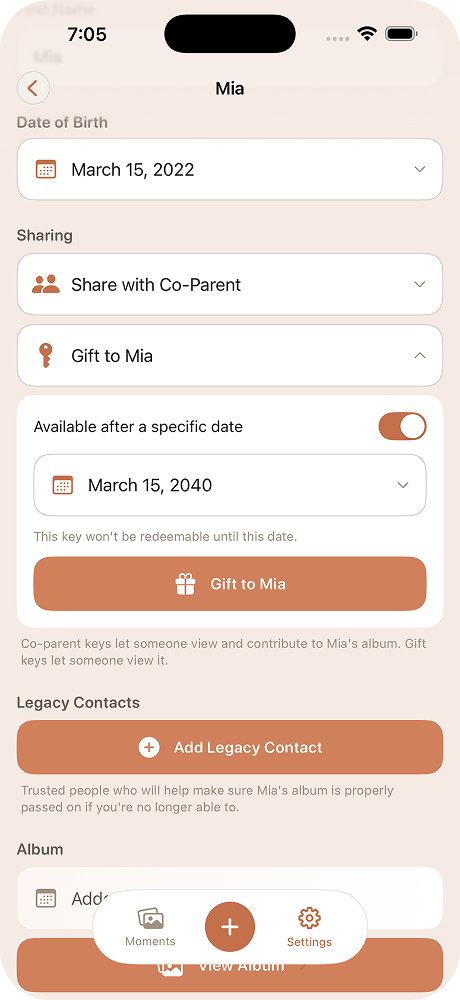
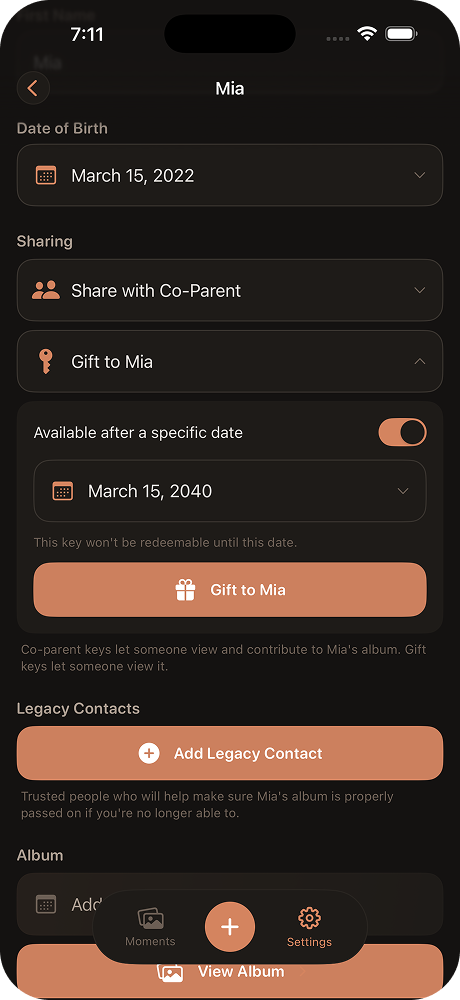
Choose when the time is right
There's no deadline and no pressure. You decide when your child is ready to receive their album - whether that's their 13th birthday, when they leave for college, or any moment in between.
Generate a handoff key
Create a one-time key that grants full access to the album. You can hand it to them in person, tuck it into a birthday card, or send it digitally.
They open their album
Your child downloads Moments, enters the key, and everything is there - every photo, video, voice note, and letter you've been collecting since before they can remember.
One key, one recipient: The handoff key is a one-time transfer. Once your child redeems it, the album is theirs - every photo, voice note, and letter, all in one place they control.
Legacy Contacts
A safety net for their memories
Life is unpredictable. Legacy contacts make sure your child's album is never lost - even in the worst-case scenario.
Designate someone you trust
Choose a trusted person - a family member, close friend, or godparent - who should receive access to your child's album if you're ever unable to manage it yourself.
Set your comfort level
Choose how long Moments should wait before reaching out to your legacy contact: 90 days, 180 days, or a full year of inactivity. Plus a grace period where Moments will try to reach you first.
Moments checks in silently
Every time you open the app, Moments quietly records that you're still active. No extra steps, no buttons to press. It just works in the background.
Your contact is notified if needed
If the inactivity threshold and grace period both pass without you opening the app, Moments automatically generates an access key and emails it to your legacy contact with step-by-step instructions to view the album and gift it to your child.
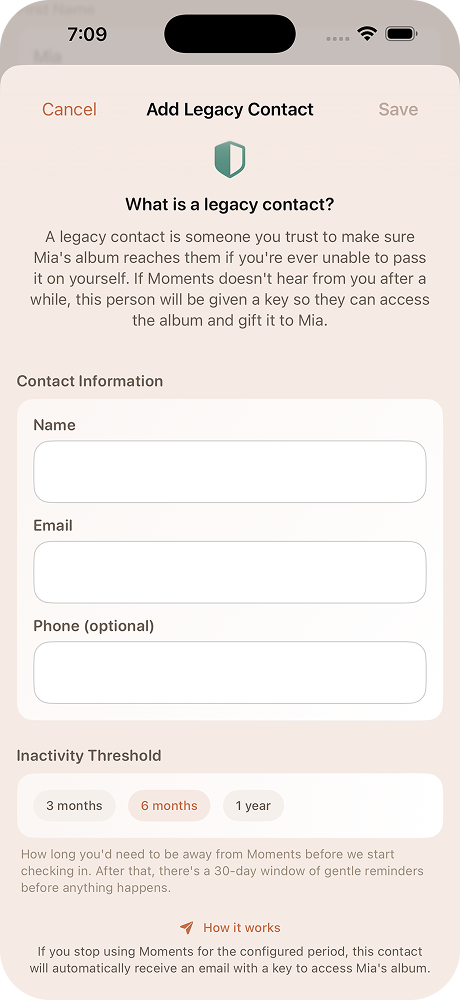
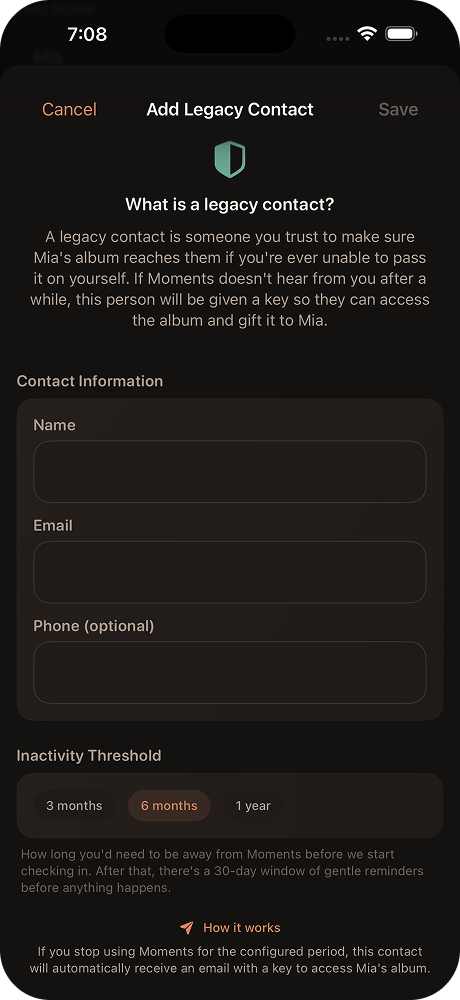
Your privacy comes first: Your legacy contact has no access to your album unless the full inactivity period passes. They won't even know they've been designated until Moments reaches out. You can change or remove your legacy contact at any time.
Why this matters: Most legacy contact systems - like Apple's - hand over an entire account to one person. That's a blunt tool. Moments lets you be intentional: this album, for this child, goes to this person. Nothing more, nothing less. No one needs access to your entire phone or cloud account for your child's memories to reach the right hands.
Built for the long term
Moments is designed around one idea: your child's memories should outlast any device, any account, and any circumstance.
Start your child's album